
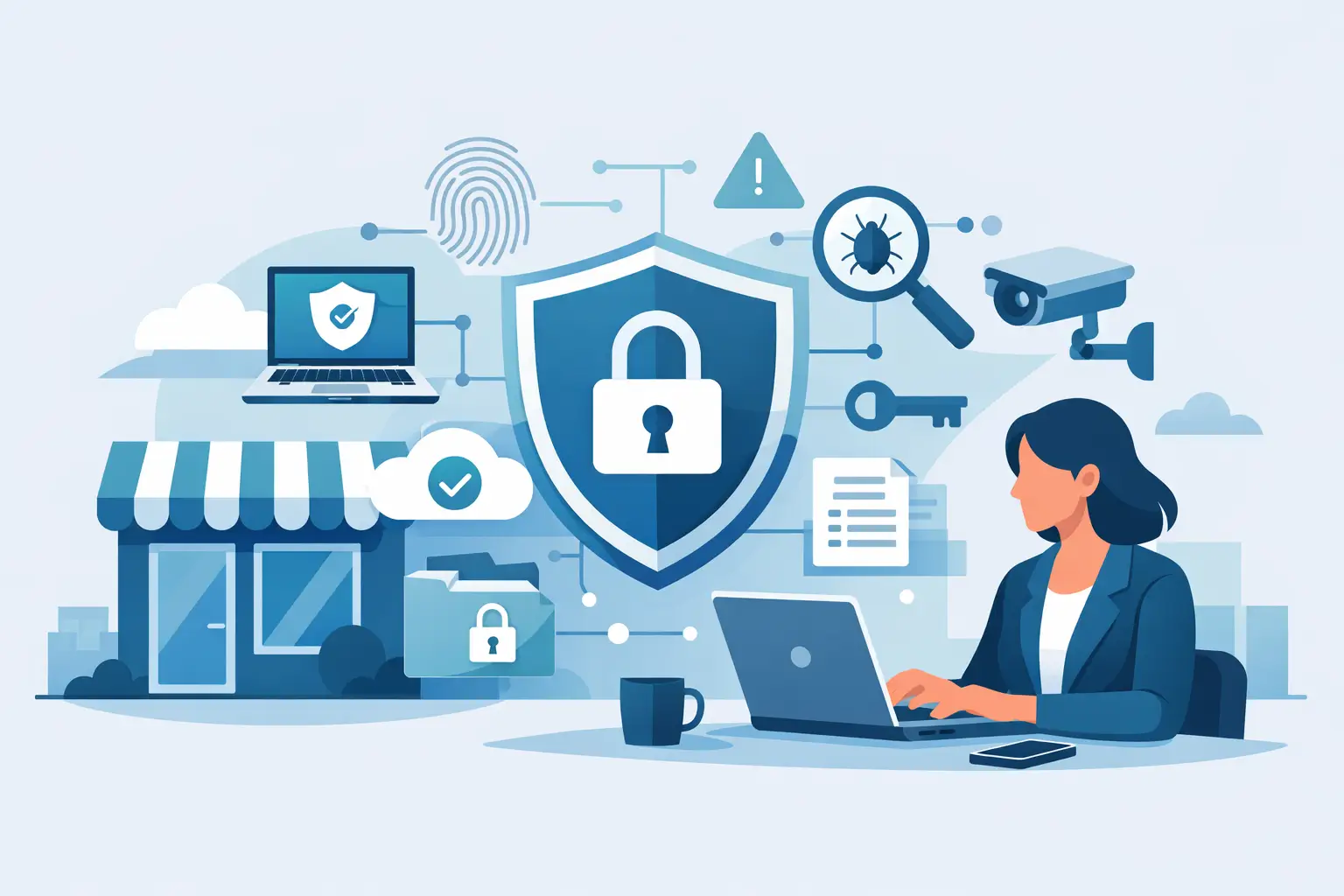
A cyber incident rarely starts with anything dramatic. More often, it is a hurried click on a fake invoice, a weak password reused across systems, or a laptop left unpatched for months. That is why a small business cyber security guide should focus less on scare stories and more on the practical steps that reduce risk without making day-to-day work harder.
For small and mid-sized businesses, cyber security is not only an IT issue. It affects operations, customer trust, staff productivity and, in many cases, whether the business can trade normally after a problem. The good news is that you do not need enterprise-level budgets or a maze of tools to improve your position. What you do need is a sensible plan, clear priorities and support that fits the way your business actually works.
What cyber security means for smaller businesses
Smaller organisations are often told they are too small to matter or, at the other extreme, that they are constantly under sophisticated attack. The reality sits somewhere in the middle. Many threats are opportunistic. Criminals look for easy openings such as old software, exposed remote access, weak passwords or untrained users. If they find one, they will use it.
That makes cyber security a business hygiene issue as much as a technical one. It is about keeping systems updated, limiting access, backing up data properly and helping staff spot suspicious activity before it turns into downtime or data loss. In practice, the basics prevent a large share of incidents.
There is also a cost question. Some businesses delay action because they assume security will be expensive and disruptive. Sometimes it can be if it is approached badly. But the more common problem is spending in the wrong places while simple weaknesses remain. A practical approach starts with the systems you rely on most and the risks most likely to affect you.
A small business cyber security guide to the essentials
The first priority is knowing what you need to protect. For some firms, that will be customer records, accounts systems and email. For others, it could be shared files, telephony, CCTV access, remote workers or multi-site connectivity. If a system is central to daily operations, it deserves attention first.
Once that is clear, start with access control. Strong passwords still matter, but on their own they are not enough. Multi-factor authentication adds a vital second check, particularly for email accounts, cloud services and remote access tools. It is one of the simplest improvements a business can make, and the disruption is usually minor compared with the protection it adds.
Next comes patching. Software updates are often postponed because nobody wants interruptions during the working day. That is understandable, but outdated systems are one of the easiest ways in for attackers. A managed update routine, scheduled sensibly, is usually far less disruptive than dealing with an infection or outage.
Backups are another area where assumptions cause problems. Many businesses believe they are backed up, but have never tested whether data can actually be restored quickly. A proper backup plan should cover what is backed up, how often, where copies are stored and how restoration works in practice. Speed matters here. A backup that takes days to recover may protect data, but it may still leave the business struggling operationally.
Staff awareness matters more than most businesses think
Technology can block a lot, but your team still plays a major part in cyber security. Most incidents involving email fraud, phishing or data loss have a human element somewhere. That does not mean blaming staff. It means giving them clear guidance that fits real working conditions.
Training is most effective when it is practical and repeated. Staff do not need a lecture full of jargon. They need to know how to recognise suspicious messages, what to do if they click something by mistake, how to handle passwords safely and when to report unusual behaviour on a device or account.
This is especially important in busy offices where people process invoices, answer calls, share documents and switch between systems quickly. Attackers rely on that pace. A convincing email sent at the right moment can bypass even sensible people if the process around approvals and verification is weak.
Simple internal rules help. For example, payment changes should always be confirmed independently. New supplier bank details should never be trusted on email alone. If staff know the process and feel comfortable raising concerns, you reduce risk without creating unnecessary friction.
Your network, devices and remote access need attention
A lot of small firms focus on laptops and email but overlook the wider estate. In reality, cyber risk often sits across broadband connections, office Wi-Fi, printers, phones, shared devices and any equipment accessible remotely. If these are poorly configured or left unsupported, they can become weak points.
Start with the network. Separate guest Wi-Fi from business systems. Change default passwords on hardware. Review who can access routers, firewalls and wireless equipment. If you have multiple sites, make sure those connections are secured consistently rather than patched together over time.
Remote working and hybrid access also need careful handling. Staff often need flexibility, but convenience should not mean open access from unmanaged devices or old remote desktop setups. A secure remote access arrangement with proper authentication, device oversight and support is usually worth the investment because it reduces the chance of a simple compromise becoming a serious incident.
Then there is the question of ageing hardware. Older machines and unsupported operating systems can be costly to keep alive, even if they seem to save money short term. Sometimes the cheaper option is to replace them before they create support and security issues that spread across the business.
Policies do not need to be complicated to be useful
When people hear the word policy, they often picture paperwork that nobody reads. In a smaller business, policies should be short, relevant and linked to how people actually work. If they are too long or too technical, they will be ignored.
Useful policies usually cover acceptable device use, password expectations, remote working, software installation, data handling and what to do if something goes wrong. They also help managers make consistent decisions. If an employee wants to use a personal device for work, for instance, the answer should not depend on who they ask that day.
The same applies to supplier access. If external providers support your systems, there should be a clear process around permissions, account creation and removal, and how access is monitored. Convenience matters, but so does control.
Incident response is not just for large organisations
One of the most overlooked parts of any small business cyber security guide is what happens after a problem starts. Many businesses spend time on prevention and none on response. That can lead to confusion at exactly the wrong moment.
An incident response plan does not need to be lengthy. It should identify who needs to be told, who can make decisions, how affected systems are isolated, where backups sit, and which external support is available. The aim is to reduce panic and speed up the right actions.
This matters because not every incident looks the same. A compromised email account, a ransomware infection and a failed firewall all require different responses. If you have already thought through the basics, recovery is usually faster and less costly.
For many firms, this is where having a dependable technology partner makes a real difference. Ongoing support, monitoring and practical advice are often more valuable than buying another standalone security product that nobody has time to manage properly. For businesses across North Wales, The Wirral and Cheshire, local support can also mean quicker response and a better understanding of how the business operates day to day.
How to prioritise without overspending
Not every business needs the same cyber security setup. A professional services firm handling sensitive client data may need tighter controls than a small warehouse with limited office systems. A multi-site business with remote users will face different challenges from a single-office team. That is why copied checklists are not always helpful.
A better approach is to ask a few direct questions. Which systems would stop the business operating if they failed? Where is sensitive data stored? Which services are exposed to the internet? What depends on one person remembering to do the right thing manually? Those answers usually show where to start.
From there, aim for sensible layers rather than excess. Strong authentication, patching, backups, endpoint protection, secure connectivity and user awareness will cover a great deal for most small firms. More advanced measures may be worthwhile, but only if the basics are already in place and maintained properly.
Cyber security works best when it is treated as an ongoing service, not a one-off fix. Threats change, staff change, systems change, and businesses grow. What protected you two years ago may now be incomplete.
The most useful next step is usually the simplest one: look honestly at where your business is exposed today, fix the obvious gaps, and build from there with support you can rely on.


