
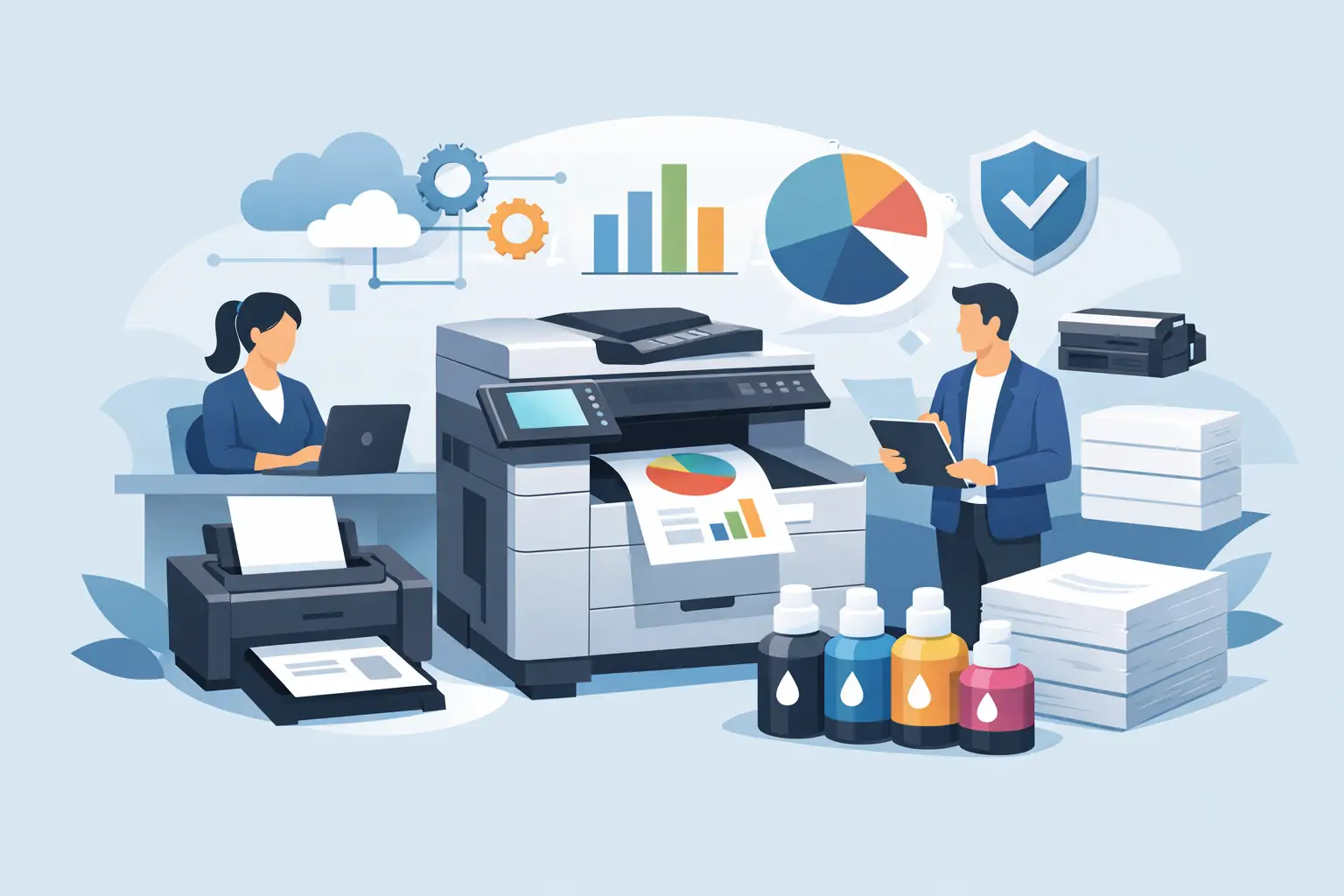
If your office printers are only noticed when they stop working, that usually tells you something. Printing often sits in the background until toner runs out, paper jams keep happening, invoices for supplies do not quite add up, or staff waste time chasing support from different suppliers. That is usually the point when people start asking what does managed print include, and whether it would make day-to-day operations easier.
The short answer is that managed print is a service built to take responsibility for your print environment. Rather than buying a printer, ordering consumables when you remember, and calling for repairs when something goes wrong, you have one provider overseeing the equipment, running costs, support, maintenance, and performance. The exact scope varies from business to business, but the purpose is consistent – to keep printing reliable, controlled, and cost-effective.
What does managed print include in practice?
At its core, managed print usually includes an assessment of your current setup, recommendations on the right devices, installation, ongoing supply of toner or ink, maintenance, repairs, meter readings, and regular billing based on usage. In many cases, it also includes monitoring software that tracks performance and flags issues before they become bigger disruptions.
That sounds straightforward, but the value is not just in bundling a few services together. It is in having one joined-up approach instead of a patchwork of machines, service contracts, and ad hoc purchases. For a small or mid-sized business, that can make a noticeable difference to both cost control and staff time.
The main parts of a managed print service
Print audit and usage review
A good managed print service normally starts by looking at what you already have. That means understanding how many devices are in use, who uses them, print volumes, running costs, recurring faults, and whether the current setup still suits the business.
This stage matters because many organisations have grown into their print environment rather than planned it. You may have one machine bought for finance, another added for reception, and a third inherited from a previous supplier arrangement. Over time, that can create unnecessary costs and inconsistent performance.
A proper review helps identify where devices are underused, overworked, too expensive to run, or simply in the wrong place.
Device supply and installation
Managed print often includes supplying the most suitable printers or multifunction devices for your needs. That could mean desktop printers for individual teams, larger shared machines for busy departments, or multifunction devices that print, copy, scan, and sometimes fax.
The important point is that equipment should be matched to the way your business actually works. A low-volume office may need a simple and economical setup. A busy multi-user environment may need faster devices with better finishing options, larger paper capacity, or secure print release. The aim is not to add more equipment than you need, but to put the right devices in the right places.
Installation and configuration are normally part of the service too, so devices are set up correctly on your network and ready for staff to use.
Consumables management
This is one of the most recognised parts of managed print. In most arrangements, toner or ink supply is included and replenished automatically based on usage data or monitoring alerts.
That removes the usual guesswork. Staff do not need to keep checking cupboards, placing urgent orders, or buying overpriced cartridges at short notice. It also helps avoid over-ordering, which is common when businesses try to prevent running out by keeping too much stock on site.
Paper is not always included, so that is worth checking. Managed print usually covers print-related consumables such as toner, drums, and sometimes waste containers, but not every office supply linked to printing.
Maintenance and repairs
When people ask what does managed print include, support and maintenance are usually near the top of the list. A managed service generally covers routine servicing, callouts for faults, replacement parts where agreed, and technical support when devices are not working as they should.
This is where response times matter. A printer issue may sound minor until a team cannot produce delivery notes, contracts, invoices, or patient forms. Reliable support reduces downtime and gives businesses a clear route to resolution rather than leaving staff to troubleshoot problems on their own.
Not every contract is identical. Some include all labour and parts; others may have exclusions depending on misuse, damage, or non-approved consumables. It is always worth understanding what is and is not covered.
Remote monitoring and proactive support
Many managed print services use software to monitor devices remotely. This can track toner levels, meter readings, faults, and general usage patterns.
The benefit is that support becomes more proactive. Instead of waiting for someone in the office to report a problem, the provider can often see warnings early, arrange consumables deliveries in advance, or diagnose issues before an engineer visits. That saves time and can reduce unnecessary disruption.
For businesses with more than one site, remote visibility is especially useful because it gives a clearer picture of how devices are performing across different locations.
Meter readings and billing
Managed print contracts commonly use a billing structure linked to print volume. That often means a standing charge for the equipment or service, plus a cost per page for black and white and colour printing.
Meter readings are either collected automatically or submitted at agreed intervals. That means billing is tied more closely to actual usage than rough estimates or one-off supply purchases.
For many businesses, this creates more predictable budgeting. It also makes print costs easier to track by site, team, or device, depending on the reporting available.
What may also be included
Some managed print services go beyond the basics. Secure printing features, user access controls, scan-to-email or scan-to-folder setup, document workflow advice, and print policy guidance may all be part of the wider service.
Security is becoming a bigger part of the conversation. Modern printers are networked devices, which means they should not be treated as standalone boxes in the corner. Depending on the environment, managed print may include user authentication, secure data settings, software updates, and help aligning print devices with wider IT policies.
That said, the level of support should reflect the business. A small office may want straightforward reliability and cost control. A larger organisation may need more detailed reporting, tighter security settings, and integration with existing systems.
What managed print does not always include
This is where expectations need to be clear. Managed print does not mean every print-related cost disappears into one monthly fee. Paper is often separate. Major office network issues may sit outside the print agreement unless the same provider also manages your IT. Damage caused accidentally or by unsuitable usage may not be covered in the same way as normal wear and tear.
It also does not automatically mean replacing every printer in the building. In some cases, the right answer is to improve what you have, reduce the number of devices, or phase changes in gradually. A sensible provider should recommend what benefits the customer, not what creates the largest contract.
Why businesses choose managed print
For most organisations, the appeal comes down to three things – less admin, better reliability, and clearer costs. Instead of buying consumables from one company, equipment from another, and maintenance from somewhere else, you have a single point of contact.
That simplicity matters. Office managers and directors usually do not want to spend time comparing cartridge prices, chasing engineers, or wondering why one device costs far more to run than another. They want printing to work, costs to stay under control, and support to be available when needed.
There can be wider benefits too. A managed approach often reduces unnecessary printing, improves device utilisation, and helps standardise equipment across the business. That can make training easier and support more consistent.
Is managed print right for every business?
Not always. If you have one low-use printer in a very small office, a managed service may be more than you need. But once printing becomes operationally important, involves multiple users or sites, or creates repeated cost and support issues, managed print tends to make more sense.
The key question is not simply how much you print. It is how much time, unpredictability, and disruption your current setup creates. If printing is costing more effort than it should, that is usually a sign the process needs attention, not just the machine.
For businesses across North Wales, The Wirral, and Cheshire, the strongest managed print arrangements are usually the ones built around practical support rather than fixed packages. A provider should take the time to understand how your teams work, what level of service you need, and where costs can be reduced without cutting corners.
If you are weighing up your options, it helps to think beyond the printer itself. The real value is in having a dependable service around it, so your team can get on with the job instead of managing the print estate themselves.


